HomeLink Storage 1.4.0
Connects, indexes, searches, locates and monitors real Minecraft inventories. Each block has a distinct role in the storage network.
Blocks#
| Block | Role |
|---|---|
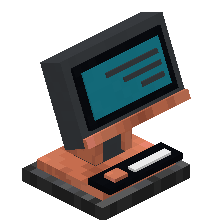
| Terminal | The only block that shows items and lets you withdraw them. |
| Controller | Manages the network: name, inventories, zones, forgetting offline inventories. |
| Link (Connector) | Discovers the accessible inventories in its chunk. |
| Repeater | Extends coverage from one cardinal-neighbor chunk to the next. |
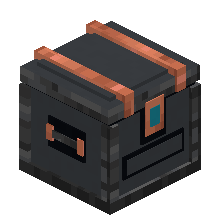
| Deposit | A 27-slot input chest, auto-stows one stack per second. |
| Overflow Chest | After 5 s, receives items that no chest already holds. |
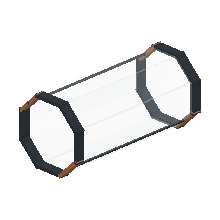
| Storage Pipe | Visually links the network's blocks; crafted in batches of 8. |
Getting started#
- Place a Storage Controller.
- Place a Storage Link in the chunk to cover.
- To reach further, place a Storage Repeater in a neighboring chunk and extend the chain.
- Empty-handed and sneaking: click the Controller, then the Links, Repeaters and Terminal to associate.
- Open the Terminal normally; the ? button shows the built-in manual.
Recipes#
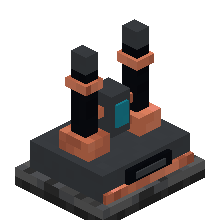
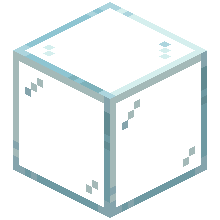
Icons: 3D render of each Storage block, as in the inventory; their models are assembled from vanilla materials (see MATERIALS.md in the repository).


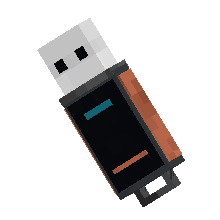

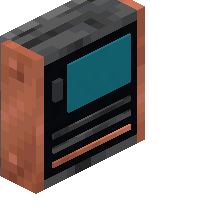


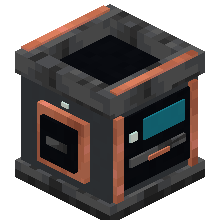

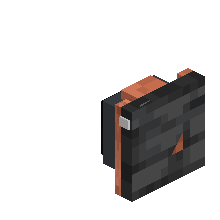


Using the Terminal#
Double-click or Shift+click withdraws a stack, right-click half a stack, Ctrl+click a single item, middle-click fills the inventory. A Quantity field allows a free withdrawal. The HomeCore CONTROL permission is required. Two models: free-standing or a thin wall panel.
Network#
Nodes never force-load a chunk. A repeater that is diagonal or separated from the chain stays offline. Right-clicking a Link or Repeater shows, for 30 s, the covered area (its chunk) and those of the rest of the network.
Integrations#
Automatically receives the output of HomeLink Quarry through its Storage Deposit (no code dependency). It reuses the visual language of HomeLink Dashboard and exposes its data to it only through HomeCore: Dashboard is not a dependency.
Install#
Install homelink_storage-1.4.0.jar, homelink_energy-0.5.0.jar and homecore-1.14.0.jar into mods, client and server.
Gallery#
In-game captures. Click to enlarge.